 |
| |
 |
| February 16, 2021 |
| The wide world of alternative browsers |
|
Plus: Ring's doorbell greetings, Office eBay deals explained, and a musical world tour
|
| |
 |
|
Over at Fast Company last week, I wrote about an interesting new iOS web browser called Insight.
To my knowledge, it's the only iPhone and iPad browser with installable extension support. While these aren't exactly the same extensions you'd find in a desktop browser, they provide some of the same functions, like blocking ads, forcing Dark Mode support, and pulling up the price history of Amazon listings. There's even an extension that enables picture-in-picture and download support on YouTube.
It's worth checking out in its current form, and it could get even better if users start writing extensions of their own. (Here's one I quickly put together that lets you swipe over to Amazon search results straight from Google.)
If you're used to staying within the confines of Chrome, Safari, or even Firefox, the notion of installing a bespoke browser like Insight might seem strange. But it's really just one of many interesting little browsers that have popped up over the years, taking advantage of the same open-source engines that the major browsers use themselves. Instead of trying to appeal to the masses, these browsers are refreshingly narrow in their focus, and can get away with ideas that might never fly in Google's or Apple's products.
Playing around with Insight made me want to dig up some old classics and find some new ones. Here are my favorite unsung heroes of the web browser world:
Vivaldi: I mentioned this one just last week, but Vivaldi is a desktop web browser with seemingly endless knobs to tweak. Move tabs to any edge of the screen, create your own keyboard shortcuts, use "web panels" to quickly peak at your favorite sites in a sidebar window, or sort your tabs into groups. While all these features might be overwhelming in a mainstream browser like Chrome, Vivaldi trusts that you'll handle them responsibly.
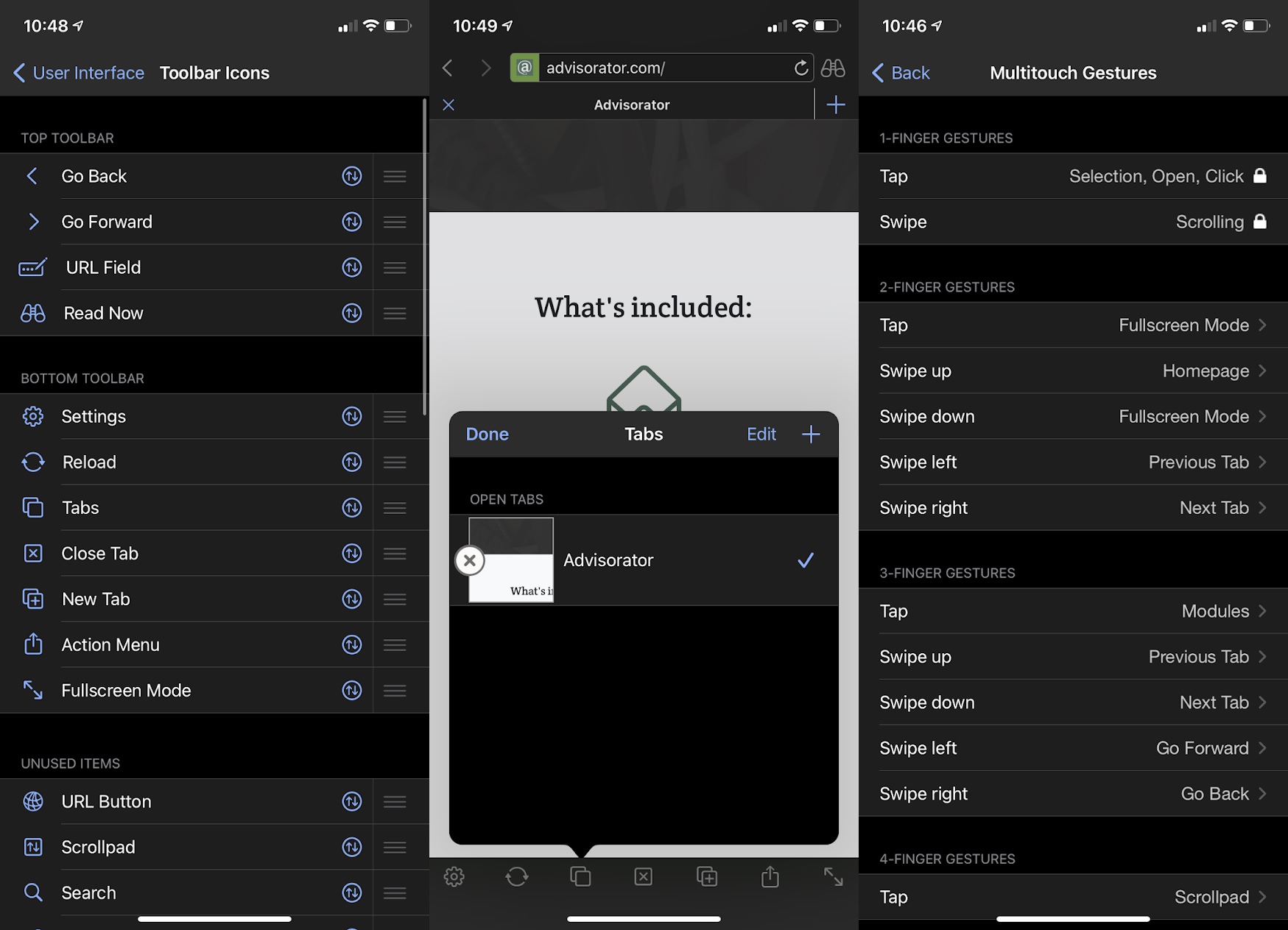
iCab Mobile: What Vivaldi is for desktop browsers, iCab is for iPhones and iPads. Practically every element of this mobile browser is tweakable, from the buttons in the top and bottom menu bars to what happens when you open a new tab. You can also set up custom multi-touch swipe shortcuts, add quick commands when you tap on a website's icon, and customize your new tab page. Perhaps my favorite feature, though, is the ability to switch between full-screen and menu bar views with the tap of a button. (While most of the apps here are free, this one costs $3.)
|
 |
|
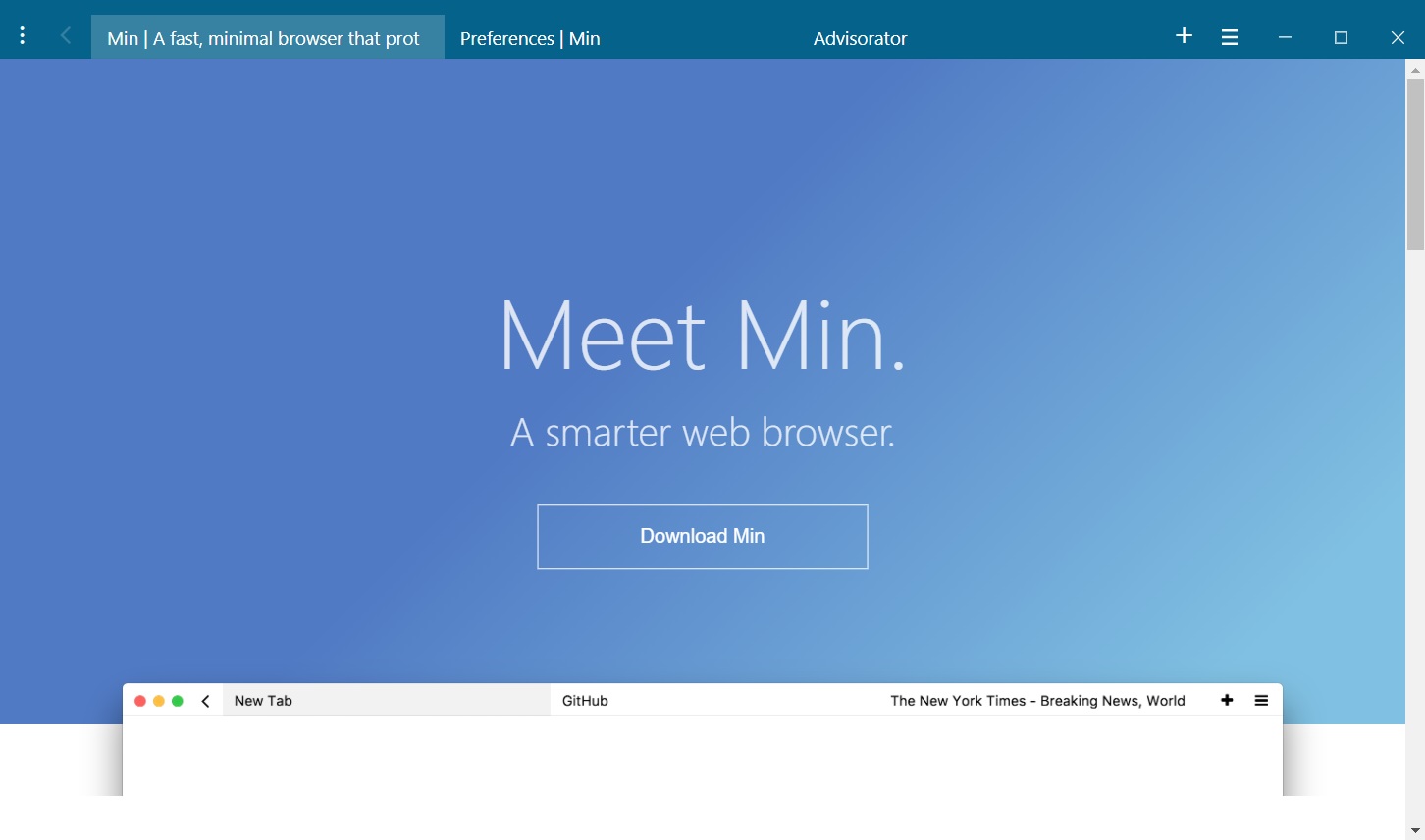
Min: On the opposite end of the spectrum, Min is a desktop browser that tries not to do too much. It combines the address bar and tab list into a single row—just click on any tab title to search or enter a new address—and has ad blocking built in. Min also puts an interesting spin on tab management by letting you group tabs into "tasks," which you can flip through without switching windows. The idea is to cut out distractions and help you focus on getting things done.
|
 |
|
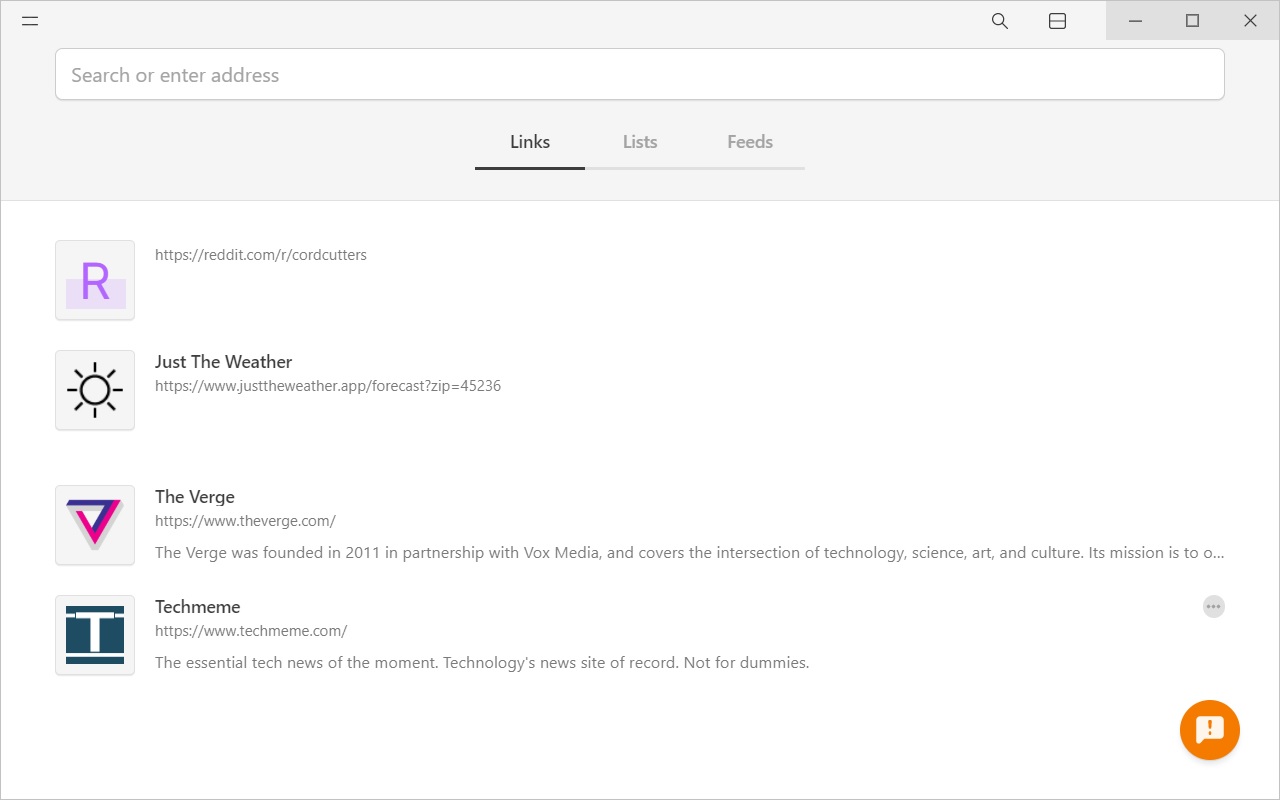
Colibri: If you feel like Min still isn't minimal enough, check out Colibri, which eliminates browser tabs entirely. Instead, you can save links by pressing the + icon while visiting any site, or create bookmark-like lists for your favorites. It'll obviously take some getting used to, but I love the concept of enforced mindfulness about how many tabs you're keeping open. (One caveat: Colibri requires an email address just to download the browser, and an account to use all of its features. As always, consider using a masked email address instead.)
|
 |
|
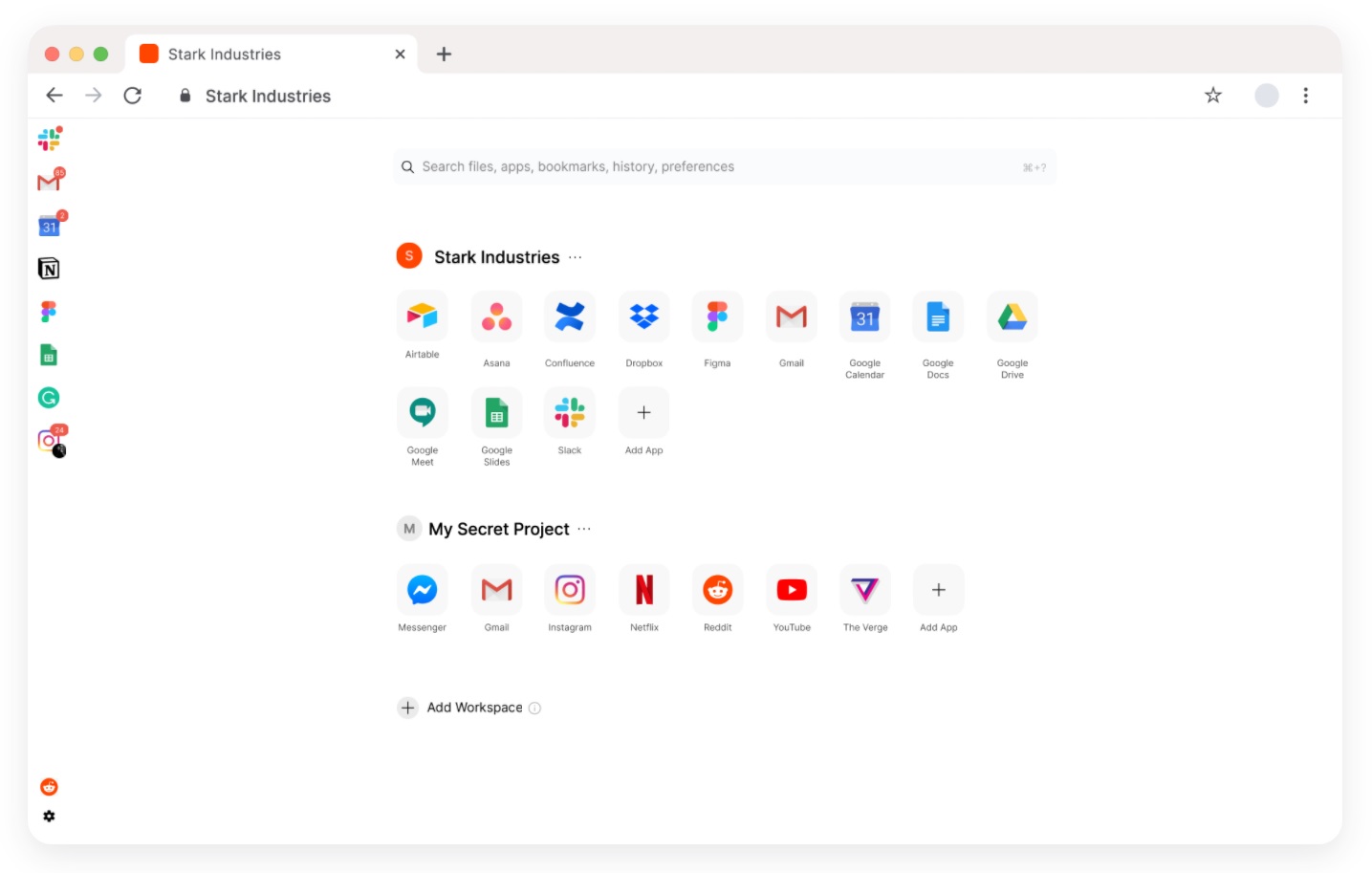
Sidekick: If you're a frequent user of web apps like Gmail, Notion, Trello, or Google Docs, Sidekick is a neat way to keep them at your fingertips. The Chromium-based browser offers a persistent sidebar for toggling between popular web apps, independently of the standard tab row above. You can also right-click an app to view recent activity or use the browser's search bar to look through your browsing history. I prefer to install sites as freestanding desktop apps, but this is an interesting alternative.
|
 |
|
DuckDuckGo: The number of web browsers promising to protect your privacy could fill an article in itself, but I really like DuckDuckGo's mobile browser as a kind of enhanced incognito mode for your phone. Beyond just offering private search through DuckDuckGo instead of Google, the app also blocks privacy-invading trackers and offers a handy "Fire" button that simultaneously closes all your tabs and clears your browsing history. Even if you've failed the DuckDuckGo Challenge, the app is worth keeping in your pocket for whatever web activity you'd prefer to be off the record.
The great thing about web browsers in general is that it's pretty easy to take them for a test drive. Give some of these alternatives a show, and you might find that Apple and Google have been doing things all wrong.
|
|
| Need to know |
|
Ring's doorbell greetings: Amazon has come up with a novel use for its Ring doorbell cameras that doesn't revolve around surveillance. When someone rings the doorbell, users can now choose from a set of canned responses, including "Hi, we'll be right there," or "We can't answer the door right now." With a Ring Protect subscription, the doorbell can also record voice messages for users to review later in the Ring app.
Amazon's also rolling out an "Alexa Greetings" feature for Ring Video Doorbell Pro users who have Ring Protect subscriptions. Once enabled, Alexa will be able to ask people why they're visiting and give customizable instructions on where to leave packages.
All this seems like an attempt by Amazon to put a friendlier face on Ring, which until now has pitched its products mainly as protection against myriad security threats. Smart doorbells could get a lot more interesting by focusing on all those times when we're not in any kind of danger.
Google Photos' new perks: Google is adding a bunch of new editing features to its Photos app, though you might need a paid Google One subscription to use some of them. On Android, you can now use all the advanced video editing features that Google added to its iOS app last fall, including cropping, stabilization, lighting adjustments, and color filters. And on all devices, you can now add directional lighting, background blur, and grayscale backgrounds to photos.
The catch is that only Google One subscribers can add those photo effects to images that don't already have depth information, such as old image scans or non-portrait mode photos. Google's also adding some "Dynamic" photo filters that will be exclusive to One subscribers as well. (One exception: Google's own Pixel phones, which already offered these features, will still get them for free.)
Of course, the backstory here is that Google is ending unlimited Google Photos uploads in June, at which point all new uploads will count toward users' storage limits. By adding new features to its paid Google One storage plans, Google's trying to keep more customers from taking their uploads elsewhere.
Facebook's smartwatch plans: I don't usually spend much time covering unreleased product rumors, but let's all go ahead and have a chuckle over this story about a possible Facebook smartwatch. The device, supposedly coming next year, would focus on fitness tracking and have its own cellular connection.
Still unclear, though, is what's in it for anyone other than Facebook. The only obvious social angle—sharing fitness data with friends—can already be accomplished on the Apple Watch and other devices, none of which involve the privacy baggage of giving Facebook an intimate picture of your health. Facebook clearly regrets not having its own smartphone platform, especially now that Apple's making it harder for Facebook to track people, but its attempts to find the next big computing platform in VR and smart displays haven't really gone anywhere. Smartwatches probably won't be much different.
|
|
| Tip of the moment |
 |
|
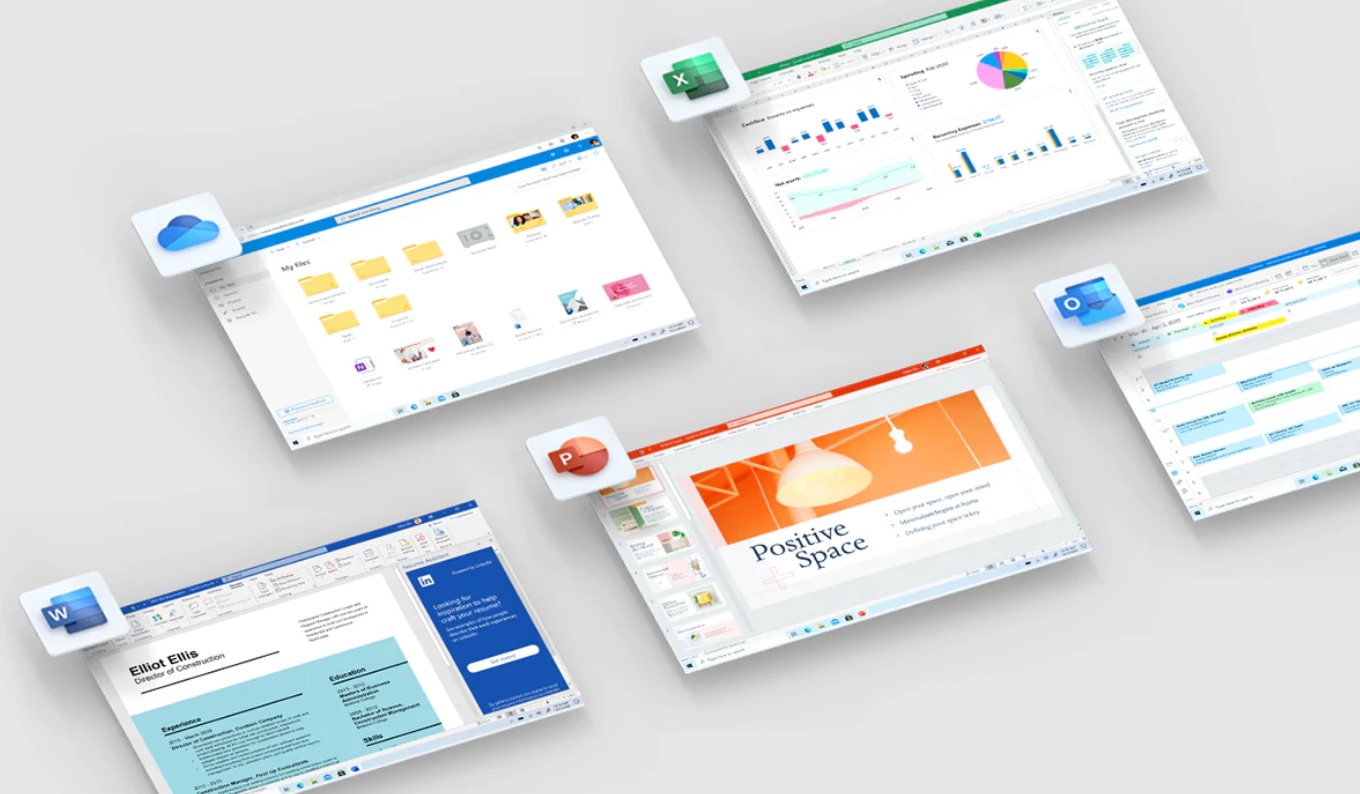
Office eBay deals explained: Last week, I briefly mentioned being able to get cheap Office 365 subscriptions through eBay, and several of you reached out with questions! Let me take a step back and answer them:
Yes, these are genuine one-year subscriptions, with activation codes printed on a physical cards that ship to you by mail. This listing is a good example of what to look for. It's a reputable seller, offering one-year Office 365 Personal codes for $45 apiece, down from the usual $70, with a picture of the type of card you can expect to get in the mail.
After receiving the card, just visit Microsoft's Office setup site and apply the code. (Microsoft might even offer you a bonus month if you turn on auto-renew; you can turn it back off after signing up and still get the free month.) I've been upgrading my subscription with these types of codes for years.
One word of warning, though: Steer clear of sellers offering "lifetime" subscriptions at much lower prices. You can't use these with an existing Microsoft account, which suggests that they're either shared or stolen. I wouldn't trust them either way.
|
|
| Now try this |
|
Faster Windows file previews: While the Mac users among us might be used to quickly previewing files by tapping the space bar, no such equivalent is built into Windows. Fortunately, you can add the same functionality with free program called QuickLook.
Once installed (direct installer link here), just press Space to view photos, documents, videos and more in a pop-up window, then press Space again to dismiss them. You can also use the arrow keys to cycle through files in the same folder. (Via Lucas Mathis, whose recent blog post has even more tips on making Windows more palatable for Mac converts.)
A musical world tour: Over on Twitter, David Pogue brings word of a great website called Radio Garden, which lets you to tune into live radio stations from around the world by pointing to any spot on the globe. The best place I ended up? On a radio station in Kazakhstan, playing Bossa Nova by a Brazilian artist based in Italy. Another fine addition to the list of offbeat music services you should know about.
|
 |
|
|
|
| Around the web |
|
|
|
| Spend wisely |
 |
|
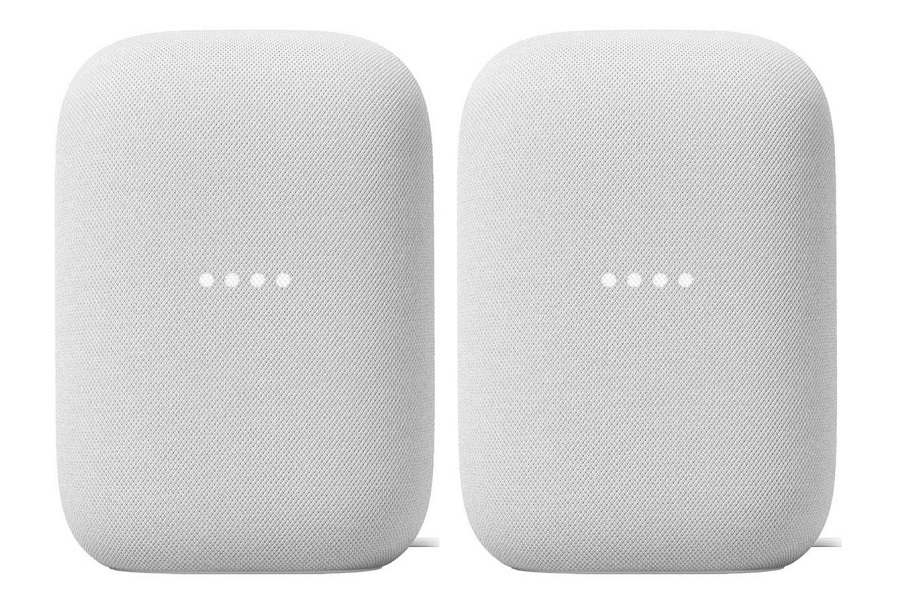
There's not much popping up for deals post-Presidents Day, but you can still get a pair of Google Nest speakers for $150 from Adorama with the promo code 50OFF199 at checkout, down from the usual $200. Or, if you're a Sam's Club member, you can get the same speakers for $140 instead. Like other Google Assistant speakers, these ones respond to "Hey Google" voice commands for music playback, smart home control, and general questions, and you can pair them together in the same room for wider stereo sound. They've gotten pretty high marks for audio quality.
A few of other deals worth highlighting:
- Amazon has a two-pack of TP-Link Kasa smart plugs for $15, plus an extra 15% back for Prime credit card holders.
- Woot is selling TCL's Alto+ soundbar, which doubles as a Fire TV streaming player, for $75, down from the usual $200.
- If you missed it, you can still save 50% on the Photoshop-like editor Affinity Photo. The iPad version's on sale for $10, while the Windows and Mac versions are selling for $25 each.
|
|
| Thanks for your support! |
|
I'm not-so-pleased to announce that we're now on a two-week streak of me having to shovel the driveway after sending out this newsletter. I hope this does not become a trend.
Anyway, please keep your wonderful tech questions and comments coming over email, or swing by the Advisorator chat room on Slack. And if you want to read past issues of Advisorator, they're all online at the members-only website.
Until next week,
Jared
|
|
|
|
|
|